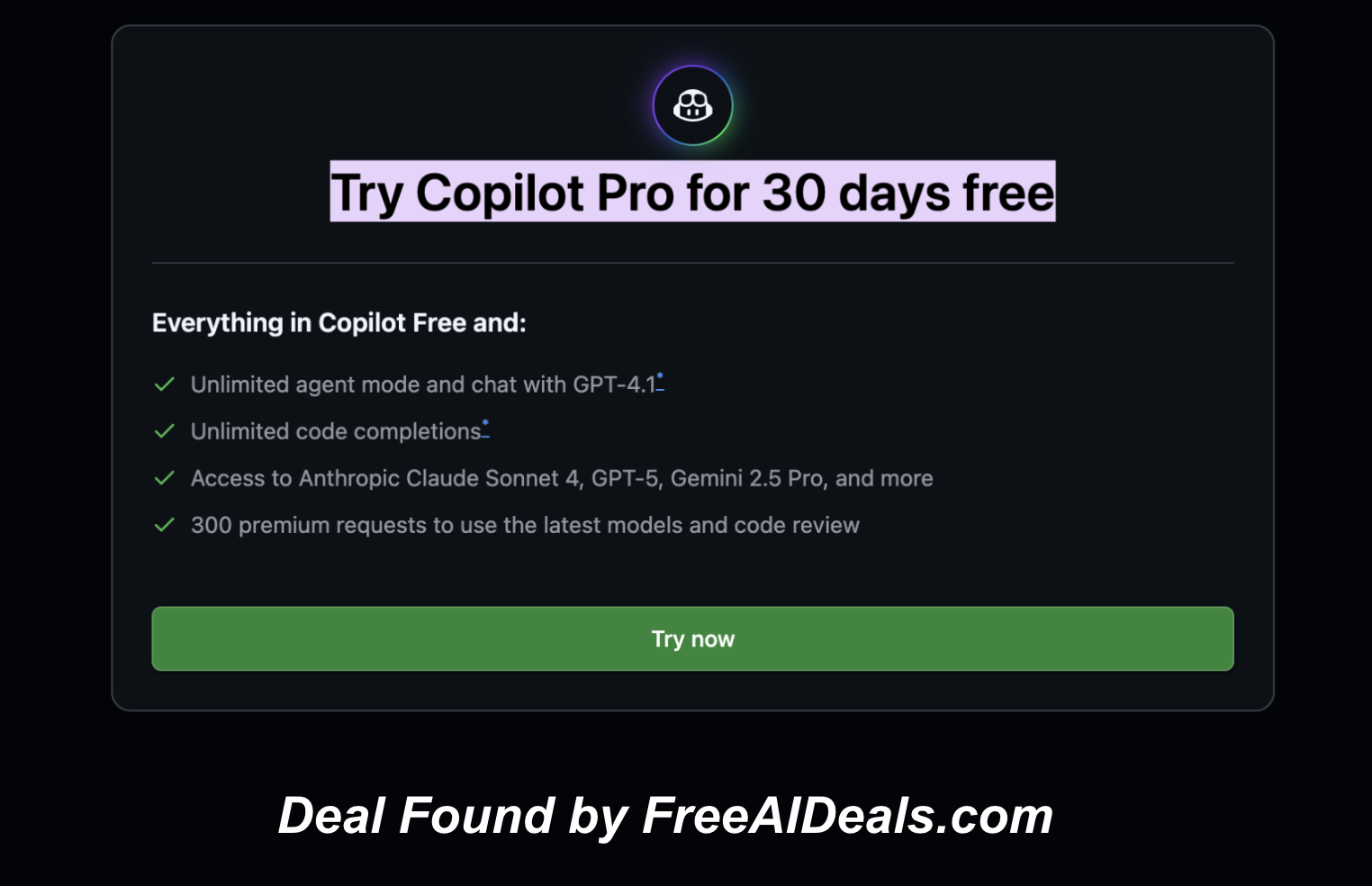
GitHub Copilot Pro is GitHub’s upgraded personal AI coding assistant. The GitHub Copilot Pro page doesn’t advertise a special promo or a timed discount, but it does provide access to a 30 day free trial, which makes it functionally a zero-cost offer for anyone wanting to test Copilot’s full feature set without paying upfront. Since there’s no posted expiration, treat this as a week-to-week availability window that GitHub can change at any time.
With GitHub Copilot Pro, you get everything in the free tier, plus:
-
Endless Agent Mode sessions and GPT-4.1 conversations
-
Unlimited intelligent code completions*
-
A full suite of top-tier models: Claude Sonnet 4, GPT-5, Gemini 2.5 Pro, and more
-
300 premium actions for next-gen models and in-depth code review
How to Claim
- Visit the official GitHub Copilot Pro page:
https://github.com/github-copilot/pro - Sign in with your GitHub account.
- Start the included free trial from the subscription options.
- Enable Copilot in your preferred editor (VS Code, JetBrains, or Neovim).
- Begin using Pro-level features immediately—no payment due until the trial ends.
About the Tool
Copilot Pro is an upgraded version of GitHub’s AI coding assistant, built for individual developers who need more than basic autocompletions. It supports natural language queries inside your editor, letting you ask for code changes, refactors, explanations, or file-level transformations without leaving your IDE. It also provides improved reasoning and context awareness, which helps the model understand larger codebases and produce more accurate suggestions.
The Pro tier integrates with GitHub’s broader ecosystem, including repos, pull requests, and documentation. Since it works natively across major editors, it fits comfortably into most modern development setups. Copilot Pro also includes enhanced chat capabilities, allowing you to ask about patterns, errors, or libraries as you code. The goal is to reduce friction and let you move from idea to implementation faster, especially when navigating unfamiliar territory or rewriting existing functionality.
Developers who use Copilot consistently often describe the Pro version as making the assistant feel more “aware” of what they’re doing. The bigger context window and improved reasoning help reduce hallucinated or irrelevant suggestions, which can save both time and debugging effort.
Why You Should Grab It
The free trial of Copilot Pro gives you full access without committing to a subscription. If you’ve been curious about how much better AI-assisted coding can get, this is the safest way to find out. Many developers discover that the tool cuts down on repetitive tasks, boilerplate writing, and research cycles. Even if you’re already comfortable with your current workflow, having Copilot Pro for a trial period can reveal optimizations you hadn’t considered.
For students or newer developers, Copilot Pro doubles as a learning accelerator. It can explain code snippets, propose alternatives, translate between languages, and help you explore unfamiliar frameworks. Since the trial doesn’t require payment upfront, there’s no risk if you decide it doesn’t fit your style.
Because GitHub hasn’t positioned this as a long-term promotion, it’s smart to assume availability could shift. Claiming the free trial earlier ensures you don’t miss the opportunity to evaluate it on your own terms.
Offer Expiration Date
The GitHub Copilot Pro page does not list any expiration date for the free trial. As with most developer tools, the availability window can change without announcement, so treat it as a limited-time offer.
If you want to test Copilot’s most capable version without paying upfront, activate the free trial now and see how it fits into your workflow.